
Management portal
One clean view.
For the person managing the building. See properties, staff, units, visitor records, and exports in one place.
Buildings
4
Units
214
Staff
8
Visitor records
1,248
Dashboard UI
Overview, buildings, team, and records.
Click the tabs
Buildings
3 buildings
Management
Demo Living
Properties
Select a building to manage it
Harbor House
Marina District
Managed by
Demo Living
Creek Gate
Creek District
Managed by
Demo Living
Garden South
JVC
Managed by
Demo Living
Add building
Create a property, then add units and staff.
Audit trail
Open every detail.
Search records, apply management filters, then open the full visitor log with document previews and the guard who captured it.
Visitor logs
Showing first 30 matching records
From
To
Records
Newest first · local time
Open record
Leena Faris
Visitor record captured at Today, 6:52 AM.
Record ID
rec-8f2a-41dc-91a4
Logged by
Ravi Menon
Building
Harbor House
Unit
A1204
Document type
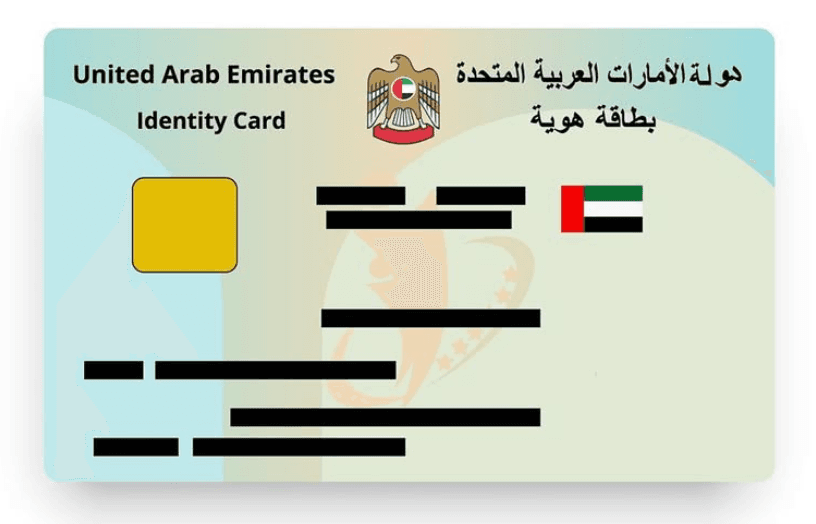
Emirates ID
Document number
784-2001-000000-0
Country code
+971
Phone number
501112233
Mobile
+971501112233
Purpose
Guest
Company
Not provided
Note
No note
Dashboard FAQ
Simple answers.
Can I search visitor records?+
Yes. Managers can search by visitor name, phone, unit, building, or staff member, then narrow results with date, purpose, company, building, unit, and staff filters.
Can I open the full record?+
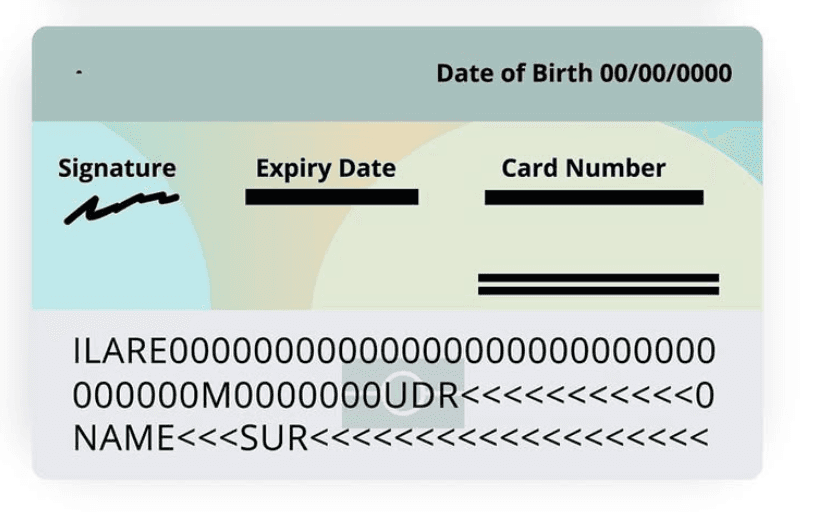
Yes. Each row opens a record detail view with the visitor details, destination, purpose, guard who logged it, timestamp, notes, and captured document images when available.
Can records be exported?+
Yes. The records page includes CSV export so management can download an audit trail for review, reporting, or handover.
Can one account manage multiple buildings?+
Yes. The portal is built around management teams, buildings, units, staff, and guards, so one team can manage a small building or a full portfolio.
What do guards use?+
Guards use the guard app for fast visitor logging. Management uses the dashboard to review buildings, team access, logs, filters, and exports.