Digital logbooks
Digital Visitor Logbook UAE: A Practical Guide for Buildings
A practical UAE guide to replacing a paper visitor register with searchable digital records without overcomplicating the building desk.
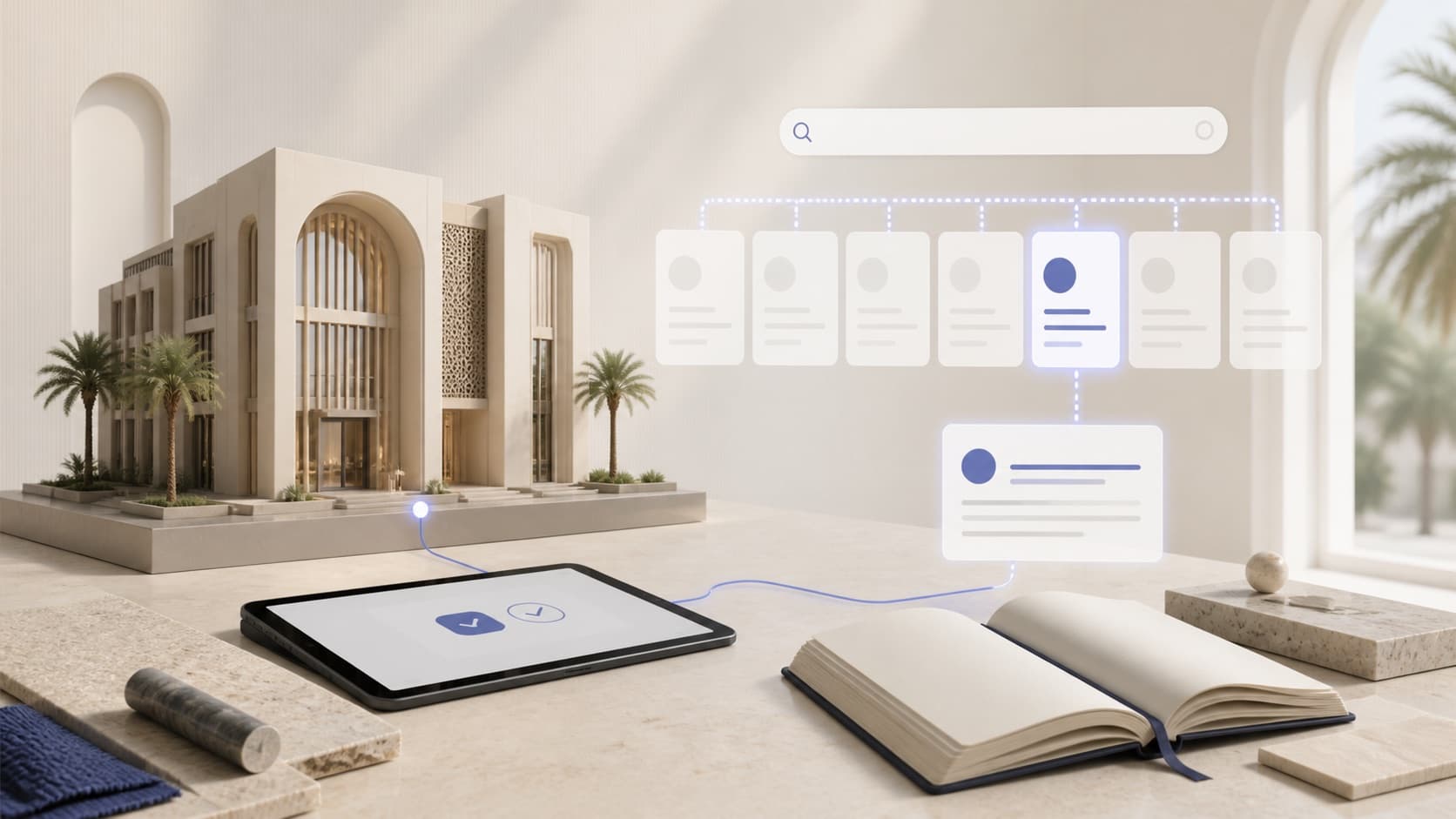
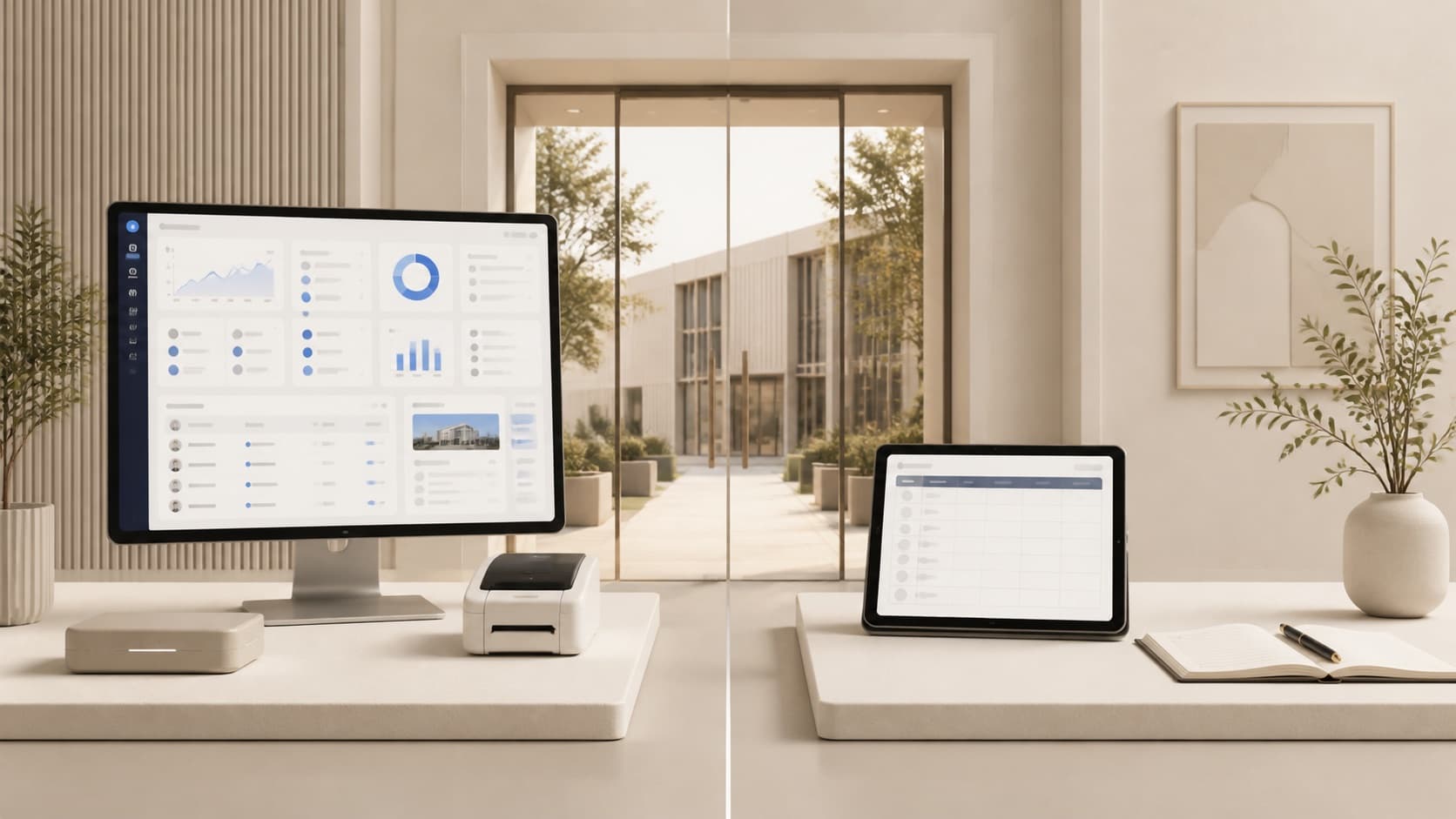
A digital visitor logbook is the focused middle ground between a paper register and a large visitor-experience platform. It keeps the desk workflow direct while giving authorized managers records they can search and use later.
Editorial notice
General information only—not legal, security, procurement, or professional advice. Details can change; verify current requirements with primary sources, vendors, and qualified advisers.
Read our editorial policyKey takeaways
- Digitisation should improve retrieval and accountability, not merely move a paper form onto a screen.
- A useful building record connects the visitor, destination, time, purpose, and recording staff member.
- The right product depends on whether the building needs a focused logbook or a broader access and visitor-experience platform.
01
The job of a visitor logbook
A visitor logbook is an operational record. At the desk, it helps staff record an arrival and later complete the checkout. For management, its value appears when someone needs to answer a question: who visited, when did they arrive, where were they going, why were they there, and who recorded the entry?
Paper can capture those details, but it is slow to search, difficult to filter, and easy to read outside the intended team. A digital logbook preserves the familiar staff-led workflow while making the record useful after the visitor has left.
02
What a useful digital record contains
The best field list is not the longest one. It is the smallest set that supports the building's legitimate operating purpose. Requiring every possible field creates desk friction and increases the amount of personal information the organization must manage.
Repute keeps visitor name and identity document required, while management can hide, allow, or require other standard fields and add typed custom fields for each building.
- A building and destination unit
- Arrival and checkout timestamps
- Visitor name and identity-document details
- Purpose, company, or delivery category when relevant
- The staff member who created or completed the record
- Building-specific fields that reflect the actual operating procedure
03
What changes for the desk
The desk should not become an IT help centre. A focused workflow lets approved staff use a phone, tablet, laptop, or desktop computer, enter the visit, and keep unresolved checkouts visible for the next shift. On supported mobile devices, Repute can read the front of an Emirates ID using on-device OCR, while manual entry remains available.
Network access is required for Repute to load building data, create records, and complete checkout. Organizations that require offline queuing should include that requirement in their buying decision.
04
How to start without disrupting the building
Begin with one clearly scoped building or a small group of comparable buildings. Agree on the visitor fields, identify the responsible desk and management roles, train each shift, and define one measurable outcome such as faster record retrieval or better checkout completeness.
A pilot should reveal whether the workflow fits the desk before the organization expands it across a portfolio. Repute provides the complete product at AED 0 for an agreed pilot period and scope, with the paid building plan scheduled after the agreed trial unless cancelled.
Questions
Frequently asked
Sources
See the workflow